

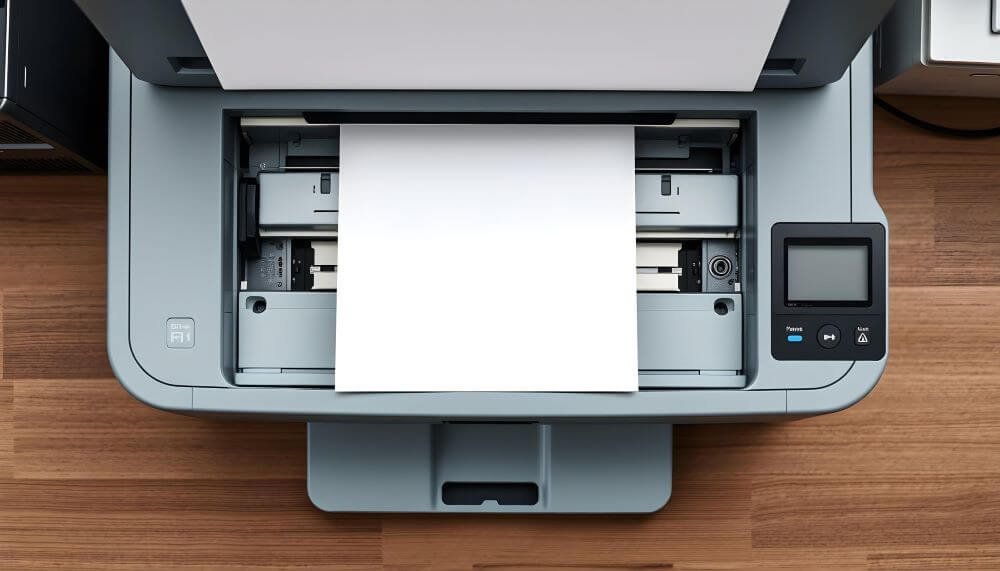
Upgrading your office laser printer can make daily work faster, smoother, and more organized. Modern printers handle higher workloads, connect easily to multiple devices, and deliver better print quality. Whether you manage a large office or work from home, knowing which features matter most helps you choose a printer that supports your daily needs.
Speed and Performance That Keep Work Moving
A fast, dependable office laser printer helps your office stay productive. When a printer can process jobs quickly and handle heavy use, it prevents delays and keeps your team focused on more important work.
Print Speed and Pages Per Minute (PPM)
Print speed, measured in pages per minute, shows how fast a printer can finish a job. Smaller offices can look for printers that produce around 25 to 35 pages per minute. Larger offices or teams with frequent bulk printing may need 40 PPM or higher. A faster printer means shorter wait times and a smoother workflow.
Duty Cycle and Long-Term Reliability
The duty cycle indicates how many pages a printer can handle each month without overloading. A model rated for 50,000 pages per month suits high-volume environments, while one rated for 10,000 fits lighter use. Matching your printer’s duty cycle to your office workload helps prevent breakdowns and ensures steady performance over time.
Print Quality and Color Options for Professional Output
A strong printer upgrade isn’t just about speed. It’s also about producing sharp, clear documents that reflect your company’s standards.
Resolution and Print Clarity
Resolution, measured in dots per inch, determines how crisp your prints appear. For most business documents, 600 x 600 DPI offers clear results. If your office prints charts, photos, or marketing materials, choose a model that supports at least 1200 x 1200 DPI. Higher resolution ensures smooth text edges and vibrant color details.
Color vs. Monochrome Laser Printers
Color laser printers are ideal for creating visual materials like brochures or presentations, while monochrome printers focus on efficient, cost-effective text printing. A monochrome laser printer works best for teams that print mainly reports or forms. If you need scanning and copying functions, a color laser all-in-one offers flexibility without sacrificing print speed.
Smart and Connected Printing Features
Today’s printers do more than just print. They support wireless access, secure logins, and even AI tools that make troubleshooting easier.
Wireless and Mobile Printing
Wireless laser printers allow users to print from laptops, phones, or tablets through Wi-Fi. Many support mobile services such as Apple AirPrint, Mopria, or Google Cloud Print. These features reduce cable clutter and make it easy to print from any device in the office.
NFC and AI-Enabled Controls
An NFC card reader lets employees release print jobs securely by tapping an ID card or smartphone. This feature helps protect confidential files in shared spaces. Some printers now include AI-enabled systems that monitor toner levels or detect paper jams, giving clear instructions for quick fixes. This kind of automation reduces interruptions and keeps workflows running smoothly especially when a business is growing.
Cost Efficiency and Ease of Use
A smart upgrade also means saving money on maintenance and supplies. Look for features that reduce waste, extend toner life, and cut down on paper use.
Toner Cartridges and Instant Ink Options
High-yield toner cartridges print more pages before needing replacement, reducing long-term costs. Some brands also offer subscription programs that deliver toner automatically when levels run low. These services keep operations running without unexpected supply gaps.
Automatic Duplex Printing and Document Feeders
Automatic duplex printing saves paper by printing on both sides, while an automatic document feeder scans or copies multiple pages in one go. These features minimize manual handling and make multi-page jobs faster and simpler. Together, they improve efficiency and lower everyday printing costs.
Paper Handling and Format Flexibility
Your printer’s ability to manage different paper types can make daily tasks much easier. Flexible paper handling reduces reloading time and supports more print options in-house.
Tray Capacity and Paper Types
A paper tray that holds 250 to 500 sheets suits most offices. For high-volume teams, models with multiple trays or larger capacities prevent constant refilling. Make sure your printer can handle special media like envelopes, labels, and cardstock if your business prints custom materials.
Wide Format and Large Prints
Wide-format printers can print on larger sheets, such as 11×17 or A3 sizes, perfect for posters, engineering plans, or marketing visuals. Although they take up more space, they save time and money by allowing teams to produce large prints internally.
Security and System Integration
As printers become more connected, data protection and software compatibility are increasingly important. A secure printer keeps information private while working seamlessly with your office network.
Security Features and User Controls
Modern printers often store copies of recent print jobs. Features like encrypted printing, PIN-based access, and user authentication keep this data protected. These safeguards are valuable for offices that handle financial records, contracts, or other private files.
Software Compatibility and Cloud Sync
A printer that integrates with your operating system and office apps ensures smooth operation. Support for services such as Google Drive, Dropbox, or Microsoft OneDrive makes it easy to print or store documents directly from the cloud. Seamless integration helps teams share files quickly and stay on the same page.
Conclusion
The right office laser printer upgrade balances speed, quality, and cost-saving features. Focus on what your team does most, may it be high-volume text printing, marketing materials, or mixed document types, and choose a model built for that purpose. With smart connectivity, reliable performance, and strong security, your new printer can help your office stay efficient and productive for years to come.



